
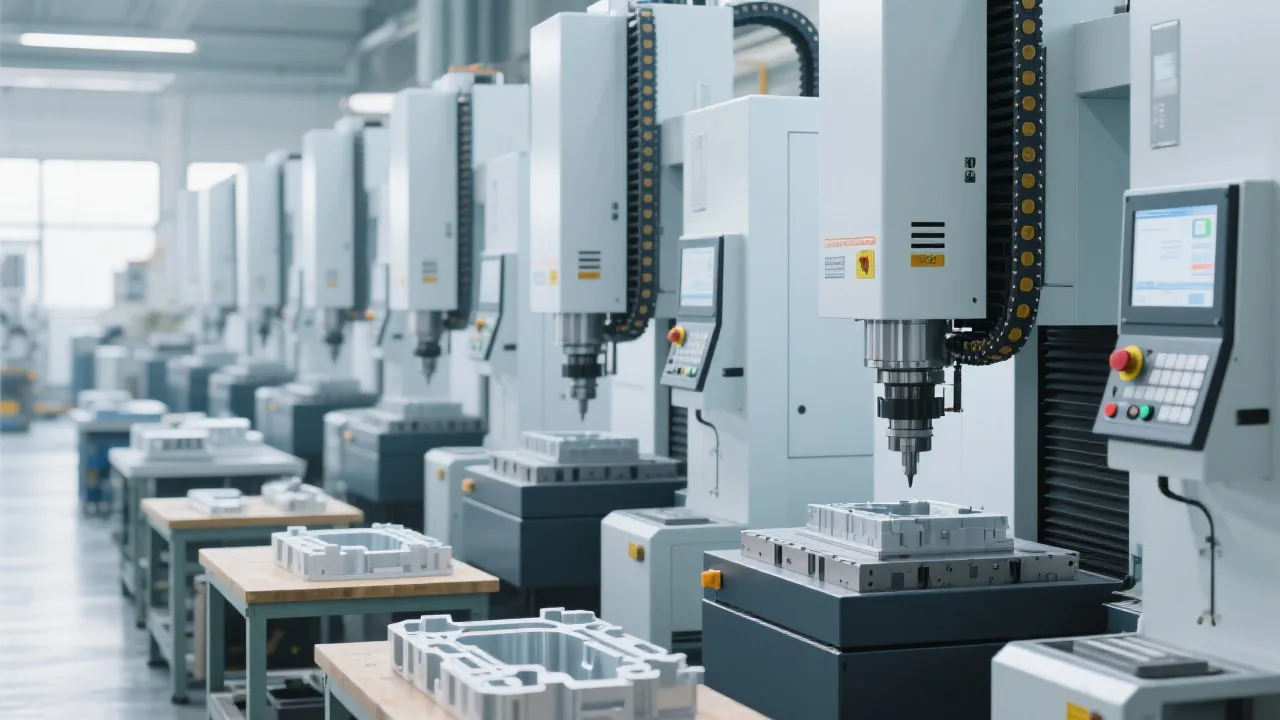
For makers, hobbyists, and small education programs, a compact, reliable CNC milling machine can unlock rapid prototyping without steep electrical or spatial requirements. KaiBo CNC (凯博数控) presents a family of single-phase options tailored to homes, schools, and community workshops. These machines blend thoughtful energy use, quiet operation, and a gantry-based precision design to deliver consistent results on a manageable footprint. If you’re upgrading from manual mills or expanding a makerspace, understanding these core advantages helps you select a model that saves both energy and time while avoiding resource waste.
In this guide, you’ll learn how single-phase CNC mills excel in home environments, how to compare them with three-phase alternatives, and how to map capabilities to real-world tasks—so you can scientifically choose a machine that grows with your projects.
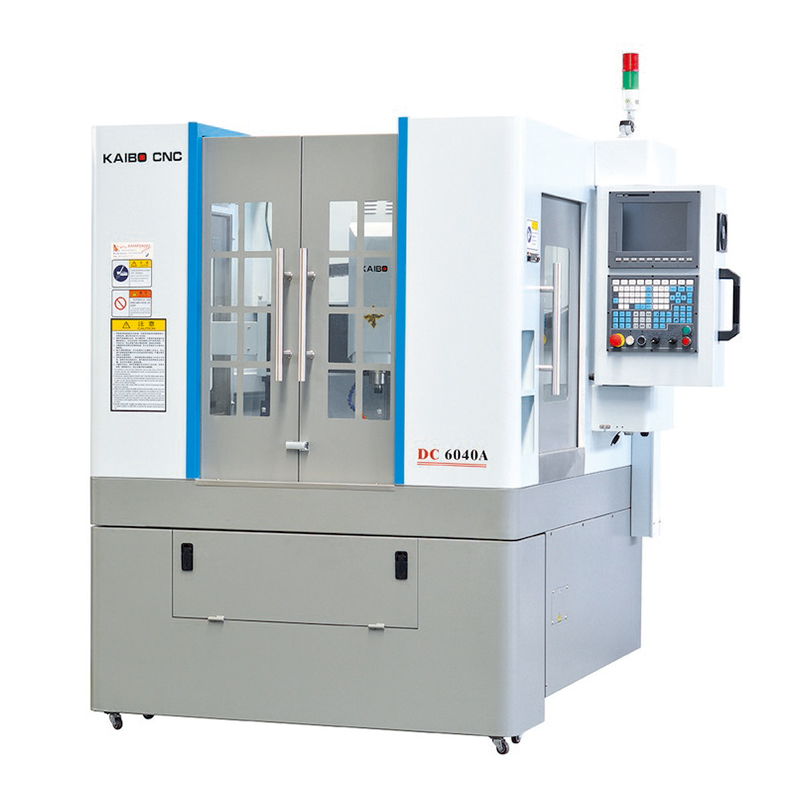
The combination of low energy draw and quiet operation directly translates into longer practice sessions, fewer interruptions in shared spaces, and a smoother learning curve for students and hobbyists who are new to CNC control. You’ll be able to focus on design iterations, measurement accuracy, and part quality rather than wrestling with power constraints or loud machine noise.
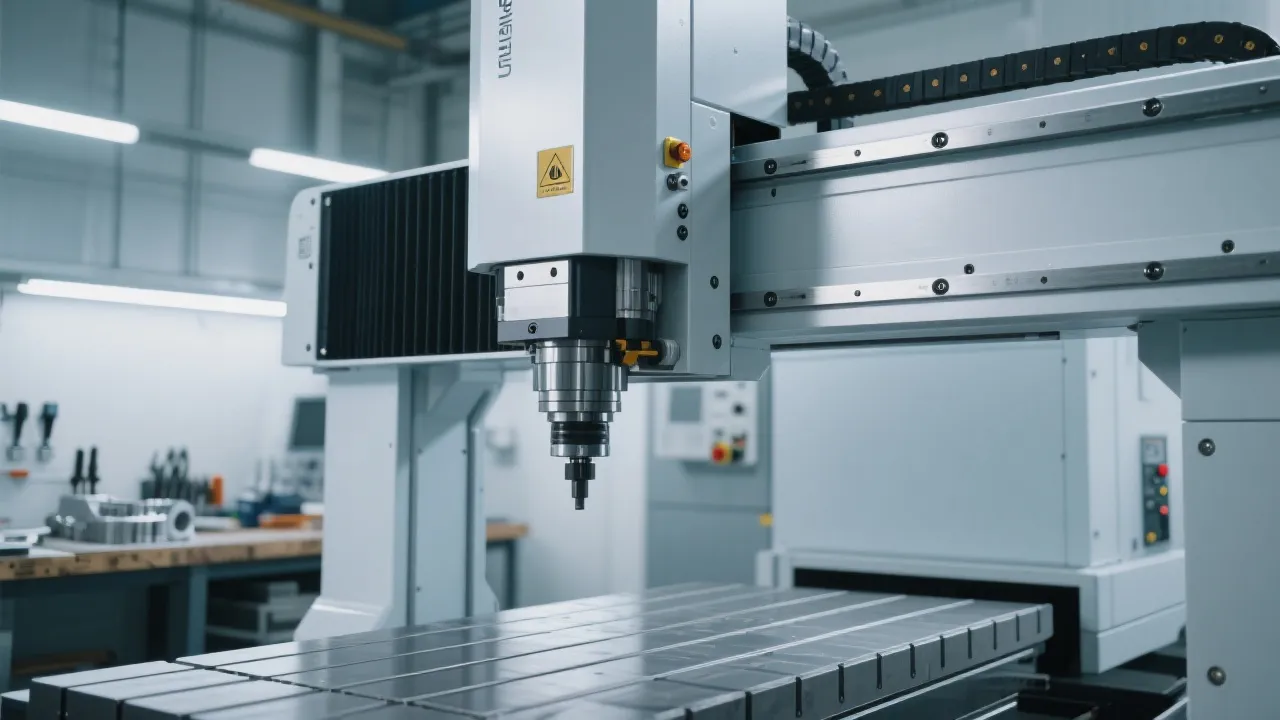
Gantry-based machines maintain a rigid, unified path for the cutting tool, reducing flex during aggressive passes. This stability is key for repeatable outcomes on materials like aluminum, brass, or dense plastics commonly found in DIY projects. Compared with compact bed mills, a gantry layout often provides straighter toolpaths and less deflection at equivalent step-downs, improving tolerance adherence and surface finish across larger work areas.
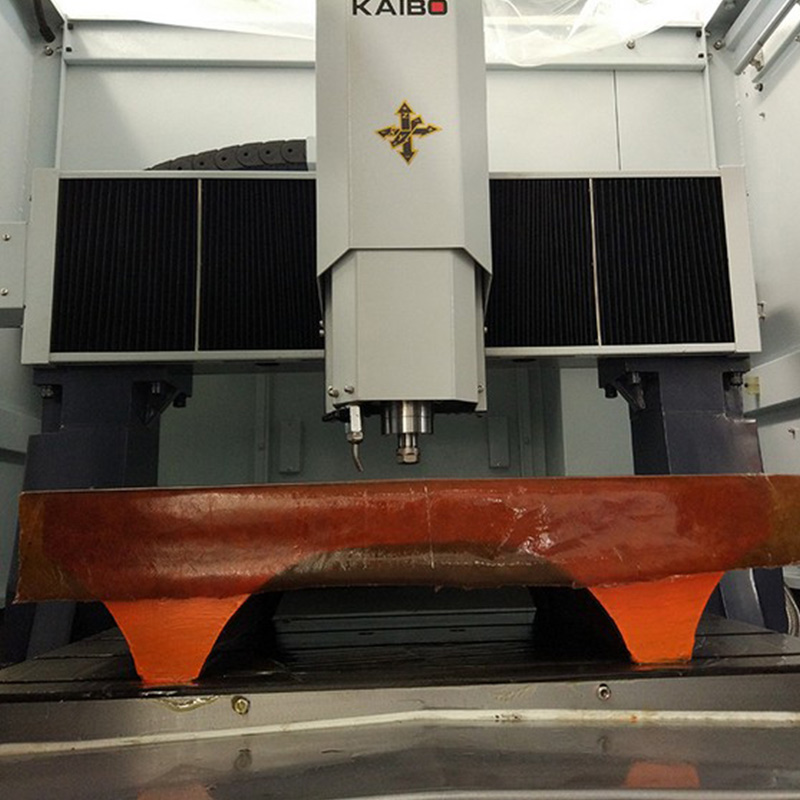
For home educational programs, this means instructors can demonstrate real-world machining constraints—material properties, cutter wear, and feed-rate planning—without the unpredictability that sometimes accompanies smaller, less rigid machines. Students gain confidence through predictable cycles, easier setup, and fewer reworks.
When evaluating a single-phase CNC mill, start with your typical material mix: wood, soft metals like aluminum, and engineering plastics. For a family workshop or classroom, prioritize machines that:
In practice, many users find that a single-phase option priced for hobby or education—while not a replacement for large-scale manufacturing—delivers the right speed-to-value ratio for prototyping, fixtures, and small precision parts. The goal is to avoid over-investing in capabilities you won’t immediately leverage in your day-to-day projects.

Home workshops often begin with simple projects—engraved panels, aluminum brackets, or small prototypes for product design. Maker spaces benefit from the ability to host short workshops on CNC basics, CAD-to-CAM workflows, and post-processing techniques. Educational institutions can integrate CNC milling into curriculum modules that teach material properties, tolerance analysis, and product design workflows, while keeping equipment usage safe and approachable.
“The KaiBo CNC system fits neatly into our classroom workflow. It’s quiet, reliable, and the learning curve is reasonable for beginners, while still offering room to grow for intermediate students.”
“As a founder of a small makerspace, the gantry rigidity and predictable results helped us run more focused sessions—less time spent troubleshooting means more time for design iteration.”
These quotes reflect what buyers value when they compare traditional benchtop mills with modern single-phase CNCs: ease of setup, lower operating noise, and dependable outcomes. The key is aligning your project mix with the machine’s core strengths—stable milling paths, calm operation, and space efficiency.
1) Map projects to capabilities: if your typical tasks include pocketing, face milling, and light aluminum work, a gantry-style, single-phase mill is a strong fit. 2) Check the electrical setup: confirm compatibility with your local voltage (often 110V or 230V) and ensure a stable power source. 3) Consider space and workflow: select a machine with a compact footprint and an intuitive CAM-to-CNC flow to minimize setup time. 4) Look for service and parts availability: local distributors or online support help ensure fast maintenance and consumable replacements. 5) Validate safety features: clear chip containment, enclosure options, and simple emergency stop controls are essential for education and shared spaces.
KaiBo CNC is committed to practical, responsible engineering. The content here emphasizes capability matching and practical decision-making for home and education use, while avoiding overstatement of performance. For more detailed specifications and regional support, please refer to your local KaiBo CNC representative.





The page you're looking for dose not exist.
Let's get you back home.
It will jump automatically after 5 seconds!
Go Home



